
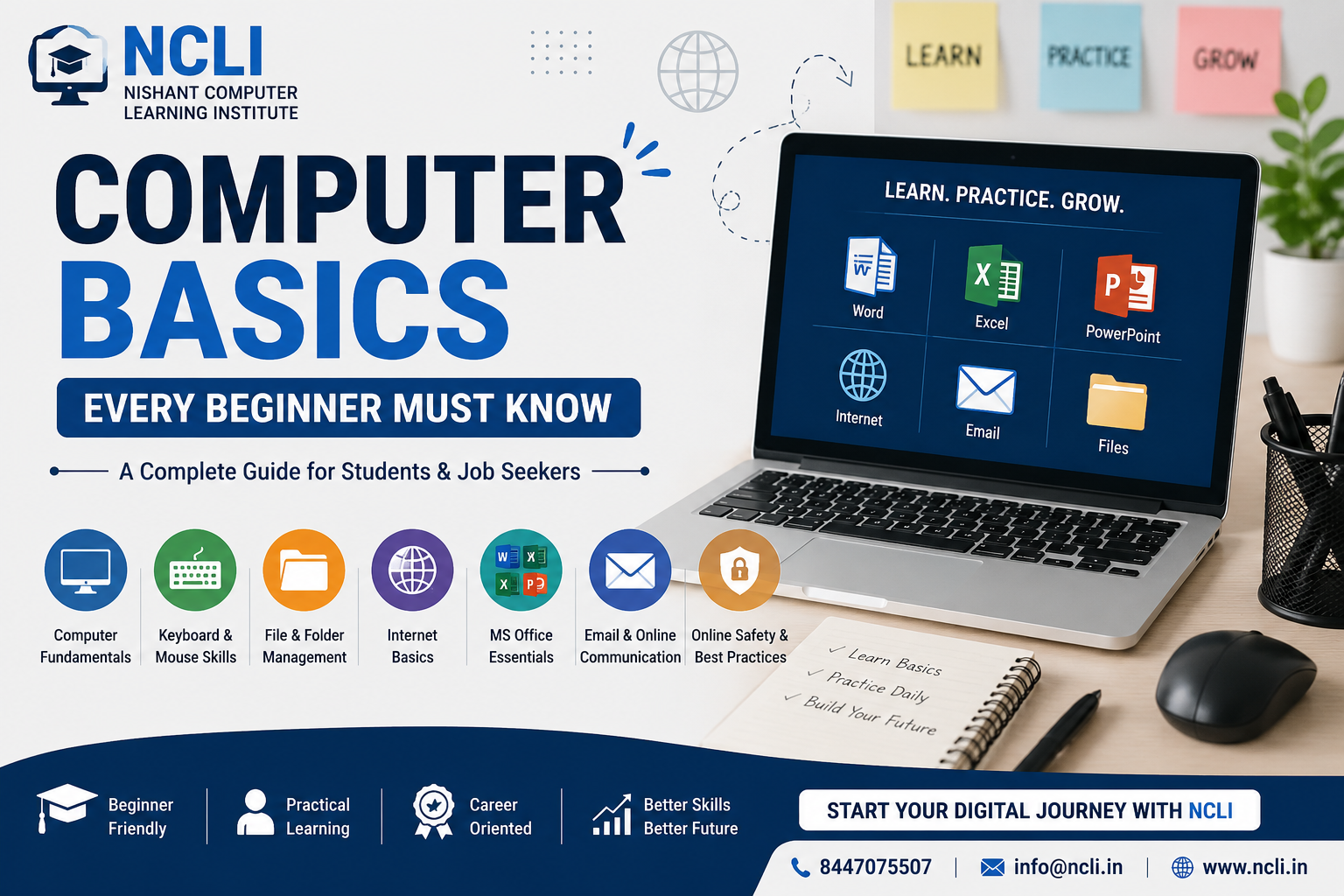
Computer Basics Every Beginner Must Know: A Complete Guide for Students and Job Seekers
In today's digital world, computer knowledge is no longer an optional skill—it's a necessity. Whether you're a student preparing for higher education, a job seeker looking for employment, or someone who simply wants to become more confident with technology, understanding computer basics is the first step toward success.
Many people believe computers are difficult to learn, but the truth is that anyone can master the basics with the right guidance and regular practice. This article covers the essential computer skills every beginner should know.
What is a Computer?
A computer is an electronic device that receives data, processes it, stores information, and produces useful results. It helps us perform a wide range of tasks, including creating documents, browsing the internet, communicating with others, attending online classes, managing finances, and much more.
Today, computers are used in schools, colleges, offices, hospitals, banks, government organizations, and almost every industry.
Know the Main Parts of a Computer
Understanding the basic hardware components is important before learning how to use a computer.
Monitor
The monitor displays everything happening on your computer screen, including documents, videos, and applications.
CPU (Central Processing Unit)
Often referred to as the "brain" of the computer, the CPU performs calculations and executes instructions that allow programs to run.
Keyboard
The keyboard is used to type text, numbers, and commands.
Mouse
A mouse helps you point, click, drag, and interact with items on the screen.
Storage Devices
Storage devices such as Hard Disk Drives (HDDs) and Solid State Drives (SSDs) save your files, software, photos, and videos.
Understanding the Operating System
An operating system (OS) is the software that manages the computer and allows users to interact with it.
Some of the most commonly used operating systems include:
-
Microsoft Windows
-
macOS
-
Linux
Most schools, colleges, offices, and businesses use Microsoft Windows because of its user-friendly interface and wide compatibility with software.
Learn Basic Keyboard and Mouse Skills
Being comfortable with the keyboard and mouse can significantly improve your productivity.
Some useful keyboard shortcuts include:
-
Ctrl + C – Copy
-
Ctrl + V – Paste
-
Ctrl + X – Cut
-
Ctrl + Z – Undo
-
Ctrl + S – Save
-
Alt + Tab – Switch between open applications
-
Windows + E – Open File Explorer
Learning these shortcuts saves time and helps you work more efficiently.
File and Folder Management
Every computer user should know how to:
-
Create folders
-
Rename files
-
Copy and move files
-
Delete unnecessary files
-
Restore deleted files from the Recycle Bin
-
Organize documents properly
Keeping files organized makes it much easier to find important information when you need it.
Basic Internet Skills
The internet is one of the most powerful tools available today. Beginners should learn how to:
-
Browse websites
-
Use search engines effectively
-
Download files safely
-
Create and use an email account
-
Join online meetings
-
Fill out online forms
-
Upload documents
These skills are essential for education, job applications, and everyday tasks.
Microsoft Office Basics
Microsoft Office is one of the most widely used software packages in schools and workplaces.
Microsoft Word
Used for creating letters, resumes, reports, and assignments.
Microsoft Excel
Used for calculations, data entry, tables, charts, and budgeting.
Microsoft PowerPoint
Used to create presentations for school projects, seminars, and business meetings.
Learning these applications can greatly improve your academic and professional opportunities.
Stay Safe Online
Cybersecurity is just as important as learning how to use a computer.
Here are some basic online safety tips:
-
Create strong passwords.
-
Never share your passwords with anyone.
-
Avoid clicking suspicious links.
-
Download software only from trusted sources.
-
Keep your antivirus software updated.
-
Be cautious of phishing emails and online scams.
Following these practices helps protect your personal information and devices.
Basic Computer Etiquette
Good computer habits include:
-
Saving your work regularly.
-
Shutting down the computer properly.
-
Respecting others' privacy.
-
Avoiding unnecessary software installations.
-
Keeping your files organized.
-
Maintaining backups of important documents.
Developing these habits early will help you become a responsible computer user.
Why Computer Skills Matter
Basic computer knowledge is valuable in almost every profession. Employers often expect candidates to have at least a foundational understanding of computers, regardless of the job role.
Computer skills can help you:
-
Apply for jobs online
-
Create professional resumes
-
Attend online interviews
-
Complete office tasks efficiently
-
Learn new technologies
-
Improve career opportunities
-
Increase productivity
Whether you want to become an accountant, teacher, designer, engineer, entrepreneur, or government employee, computer literacy is an essential skill.
Final Thoughts
Learning computer basics is one of the best investments you can make in yourself. It opens doors to better education, career opportunities, and everyday convenience. The good news is that you don't need any prior experience to get started. With patience, practice, and the right guidance, anyone can become confident in using a computer.
If you're a beginner, start with the fundamentals covered in this guide and practice them regularly. As your confidence grows, you can move on to advanced topics such as programming, graphic design, data analysis, or digital marketing.
Start Your Computer Learning Journey Today
At Nishant Computer Learning Institute (NCLI), we believe that quality computer education should be accessible to everyone. Our beginner-friendly courses are designed to help students, job seekers, and working professionals develop practical computer skills through hands-on training and expert guidance.
Whether you're starting from scratch or looking to improve your existing knowledge, we're here to support your learning journey. Contact us today to explore our courses and take the first step toward a brighter digital future.
Interested in Learning More?
Join NCLI Delhi's computer courses. Free demo class available!